Redesign or Replatform? How to Tell What Your Website Actually Needs


Takeaways
🗹 Redesign the experience when communication, usability, or conversion is the problem.
🗹 Replatform the foundation when technology, CMS limitations, or maintainability is the problem.
🗹 If both need attention, sequence the work around the greatest source of friction.
🗹 Diagnose the problem before committing to the solution.
The website conversation usually starts the same way: “We probably just need a redesign.”
Maybe the brand feels dated, maybe competitors look more modern, or maybe leadership is tired of hearing that simple updates take too long.
And sometimes a redesign really is the answer.
But once you start digging, the problem isn’t always what it looks like. A site that feels outdated may have a messaging problem, a site that feels slow to use or improve may have a technical foundation problem, and a site your team avoids updating may have a content structure problem. Those require different solutions.
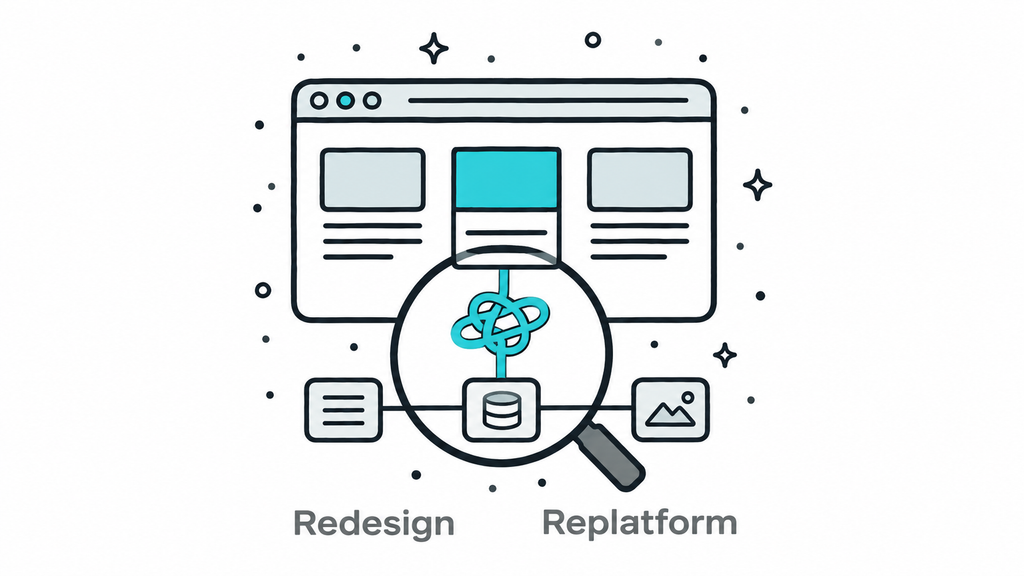
A redesign changes how the website looks, communicates, and guides users. A replatform changes the technology and foundation underneath it. Sometimes you need one, sometimes both, and sometimes you need a smaller strategic fix before committing to either.
The best website decisions start by diagnosing the source of friction instead of defaulting to the biggest possible fix.
Here’s the short version:
- A redesign addresses user experience, visual design, messaging, and conversion clarity
- A replatform addresses technical foundation, CMS limitations, performance, scalability, and maintainability
- Many websites need both, but rarely at the same time or the same depth
- The question usually isn’t “redesign or replatform?” It’s “what needs to change first?”
- The best website investments protect what’s already working while improving what is holding the team back
A Redesign and a Replatform Solve Different Problems
A redesign and a replatform get discussed together, but they are not interchangeable.
A website redesign usually focuses on:
- Visual design
- User experience
- Information hierarchy
- Messaging clarity
- Conversion paths
- Content presentation
A replatform usually focuses on:
- CMS limitations
- Hard-to-manage content structures
- Performance and security
- Technical debt
- Inflexible templates and architecture
- An architecture that can’t scale with the business
That distinction matters because teams routinely confuse symptoms with causes. If your website feels outdated, the real problem may be visual design. But if your team can’t publish efficiently, your templates are brittle, or the CMS fights you at every turn, a new design layer will only hide the frustration temporarily.
The right call depends on what is actually making the site underperform.
Signs You May Need a Redesign
A redesign is usually the right priority when the website’s biggest problems are about communication, usability, or confidence.
Common signs include:
- The brand feels outdated or inconsistent
- Users struggle to understand what you do
- Page layouts are cluttered or confusing
- Calls to action are weak or unclear
- Navigation is difficult to use
- The site no longer reflects the organization’s positioning
- Conversion paths are underperforming
When those are the issues, reworking the visual and user experience layer creates the biggest impact: a good redesign clarifies your story, improves the customer journey, and makes the site better represent where the organization is now.
But a redesign alone cannot solve structural problems. If the foundation underneath is weak, a better-looking website may still leave your team fighting the same limitations.
Signs You May Need a Replatform
A replatform is usually the right priority when the website is difficult to manage, scale, or trust.
Common signs include:
- Content editing is slow or frustrating
- The site leans on too many plugins or workarounds
- Templates are inconsistent or fragile
- Performance is poor
- Updates feel risky
- The CMS no longer supports how your team works
- Launching new pages or features takes too much effort
These are foundation problems.
A replatform is less about changing how the website looks and more about improving how it works behind the scenes. It is a chance to build a cleaner, more sustainable system for the people responsible for keeping the website alive after launch.
If your team has good ideas but the website keeps slowing execution down, fixing the foundation may create more value than changing the design alone.
The Best Answer Is Often Sequencing the Work Correctly
This is where teams tend to overcommit.
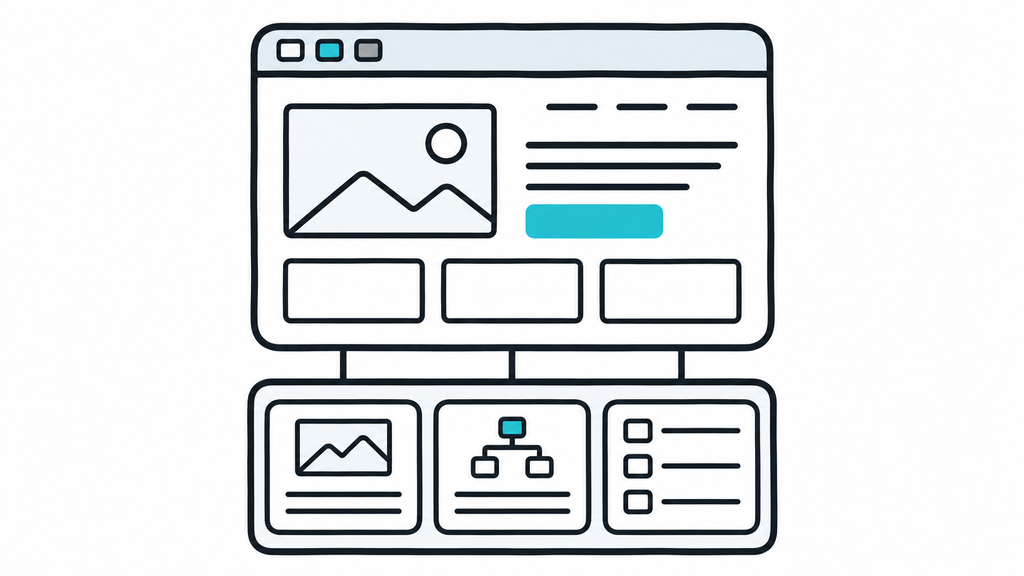
Some websites genuinely need both. The front end is outdated, and the back end is holding the team back. But needing both rarely means replacing everything at once.
A smart website project isn’t about rebuilding every piece just because you can. It’s about understanding what’s working, preserving the parts that still serve the business, and investing where change creates the most value.
Sometimes the design is still effective, but the CMS needs serious work. Sometimes the platform is healthy, but messaging, navigation, and conversion paths need attention.
The smartest move is usually fixing the layer creating the most friction first and planning everything else intentionally.
A strong phase one might mean improving the CMS and page-building experience, simplifying content structures, and resolving the highest-value UX issues without rebuilding every piece of the website. Sequencing helps teams control scope, protect budget, and focus effort where it will have the biggest impact.
What This Looks Like in Practice
When Claravine came to Culture Foundry, they originally asked for three new page templates, which on the surface sounded like a design request.
But as we dug deeper, it became clear the templates were only a symptom.
Claravine had grown quickly, and the website that supported an earlier stage of the company was starting to create friction: the design system had drifted, editing tools were harder to manage, plugins were aging, and routine updates were taking longer than they should.
The answer wasn’t only to design three better templates. It was to strengthen the foundation underneath them.
Instead of rebuilding everything from scratch, we improved the existing WordPress architecture, created a more scalable component system, and gave their marketing team more control over building and managing pages.
The result was a website that didn’t just look better; it worked better for the team responsible for growing it.
That’s the difference between solving the symptom and solving the actual problem.
Start With the Problem, Not the Label
The most common website mistake is choosing a solution before understanding the problem.
That creates redesigns built on weak foundations, platform migrations that never address the real user experience issues, larger scopes than necessary, and launches that don’t deliver the expected impact.
When a team says “our website isn’t working,” that’s the start of the conversation, not the conclusion.
The useful questions are diagnostic:
- What is actually broken?
- What is frustrating users, and what is frustrating internal teams?
- What is slowing down publishing, campaigns, or updates?
- Where is the website failing as a business tool?
- Are the biggest issues visual, structural, operational, or a combination?
- What foundation will support us over the next few years?
Those questions move the conversation from preference to strategy, which matters because so many projects are shaped by assumption.
Someone thinks the site looks old, so the answer must be a redesign. Someone hates the CMS, so the answer must be a replatform.
Sometimes they’re right, and sometimes they’re seeing one piece of a larger problem.
The goal isn’t choosing the bigger option. It’s choosing the right one.
Why This Decision Matters
For marketing and digital teams, this decision carries more weight than it first appears.
A redesign shapes how clearly your website communicates and converts, while a replatform shapes how efficiently your team can publish, maintain, and grow the site over time.
Both matter, but they solve different problems. The teams that understand that difference early spend their budget more intentionally and end up with a website that’s more useful after launch, not just more exciting on launch day.
If your site is underperforming, resist the urge to name the fix before you’ve named the problem.
Run the diagnostic questions above first. If you want a second set of eyes, our team can help you understand what’s getting in the way for your users and your team, and what actually needs to change. Connect with us, and let’s work through it together.
FAQs
A redesign changes how your website looks, communicates, and guides visitors. A replatform changes the technology and foundation underneath it, such as the CMS, content structure, and site architecture. They solve different problems, even when a project involves both.
A redesign may be the right priority if visitors struggle to understand what you do, navigation or page layouts are confusing, calls to action are unclear, or the site no longer reflects your organization’s positioning. These are primarily communication and user experience problems.
Consider replatforming when the website is difficult to manage or scale—for example, when content updates take too long, templates are fragile, plugins and workarounds are piling up, or the CMS no longer supports your team’s workflow. A new visual design alone won’t remove those limitations.
Yes. If both the user experience and the technical foundation need work, you don’t necessarily need to replace everything at once. Protect what still works, address the layer causing the most friction first, and plan the remaining improvements intentionally.